Here's something nobody tells you about working in 2026: you're always on camera.
Maybe it's a Zoom call with a client. Maybe it's a team meeting where half the office is remote. Maybe it's a recorded presentation that gets sent to leadership. Whatever it is, your face is going to be on a screen, and you need to look professional without looking like you tried too hard.
I've developed a camera-ready routine that works for both the office and the screen. Here's exactly what I do when I know I'll be on camera.
Why Camera Makeup Is Different
The camera is not your friend. It flattens features, washes out color, and amplifies texture. What looks good in person often looks terrible on screen. And what looks good on screen often looks heavy in person.
The solution: A routine that splits the difference — enough makeup to show up on camera, light enough to look natural in person.
Here's what I do.
Step 1: Prep Your Skin for the Lens
Camera lighting is harsh. If your skin is dry, it'll show every flake. If your skin is oily, it'll look like a disco ball.
My camera prep:
Apply a hydrating serum (I use the Trader Joe's hyaluronic one) and wait for it to absorb
Follow with a moisturizer that's on the richer side (cameras love moisture)
Use a smoothing primer on my T-zone and cheeks (fill in pores and fine lines)
The key: Your skin needs to look smooth and hydrated, not greasy or dry. That's the balance you're looking for.
Step 2: Build a Camera-Friendly Base
Skip full-coverage foundation. It looks mask-like on camera. Instead:
Apply a medium-coverage foundation or tinted moisturizer (just enough to even out skin tone)
Use a damp sponge to press it in (no streaks, no lines)
Pat a little extra on your nose and chin (these areas wash out most)
The camera trick: Apply slightly more coverage around your nose and the center of your face. The camera picks up these areas the most, so they need a little extra attention. The edges of your face can be lighter.
Step 3: Concealer Is Your Best Friend on Camera
Under-eye darkness is amplified by camera lighting. You need coverage here.
Apply a medium-to-full coverage concealer in a triangle under your eyes
Pat with your ring finger until blended
Set with a brightening powder (the light-reflecting particles help cancel out shadows)
The camera trick: Apply concealer to the inner corner of your eye and the outer corner. Those are the shadowed areas that cameras pick up most. A little extra here goes a long way.
Step 4: Define Your Features
Cameras flatten your face. You need to create definition that the lens will read.
Contour (light):
Use a cream contour or bronzer just under your cheekbones
Blend up toward your hairline
A little along your jawline
Blush:
Apply cream blush on the apples of your cheeks
Blend up toward your temples
Highlight (very light):
Just a tiny bit on the highest point of your cheekbones
And a dot on the tip of your nose
Why this matters: Without definition, your face looks flat on camera. A little contour and blush creates dimension the camera will actually pick up.
Step 5: Brows Frame the Screen
Cameras really pick up your brows. If they're undefined, your whole face looks unfinished.
Use a brow pencil to fill in any sparse areas
Apply tinted brow gel to set them in place
Brush up for a natural hold
The camera trick: Slightly darker brows read better on screen. It doesn't have to be dramatic — just one shade darker than your natural brow color. It'll make your features pop.
Step 6: Eyes That Open Up on Camera
Eyeshadow:
Apply a light, neutral shade across the entire lid (champagne or light beige)
Use a slightly darker shade in the crease for definition
Add a highlight to the inner corner of your eye (this opens up your eyes on camera)
Eyeliner:
A thin line of brown or black eyeliner along the upper lash line is enough
Skip the lower lash line (it can look heavy on camera and close off your eyes)
Mascara:
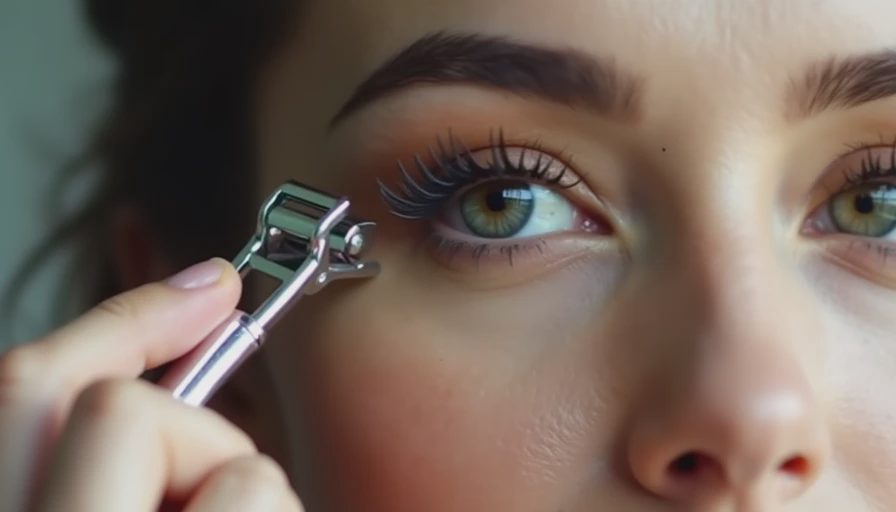
Curl your lashes
Apply two coats of mascara to top lashes only
Skip bottom lashes (they smudge on camera and close off the eye)
The camera trick: Mascara is one of the most visible features on camera. Use a lengthening formula and curl your lashes well. The extra effort is worth it.
Step 7: Lip Color That Pops
Cameras wash out lip color. Whatever you're wearing, it'll look lighter and less vibrant on screen.
Go one shade darker than you would in person
A satin or cream finish works better than matte (matte can look dry on camera)
Avoid gloss (it reflects light in unflattering ways)
My go-to: A rose-mauve lipstick that's one shade deeper than my natural lip color. It shows up on camera without looking like I'm wearing a costume.
Step 8: Set It All
Camera lighting is hot. You need your makeup to hold through a long recording session.
Light powder on your T-zone (to control shine)
A light dusting of setting powder (not heavy)
Setting spray in a T and X motion
The camera trick: Hold the setting spray 10 inches from your face and apply in a continuous circle. This gives an even application without splotches.
Step 9: Camera-Specific Final Adjustments
Before you join that call or hit record, check your look in the camera itself:
If you look washed out: Add more blush and a slightly darker lip
If you look shiny: Add a little more powder to your T-zone (just a tiny bit, cameras amplify powder)
If your eyes look tired: Add more mascara (make it pop) or a little concealer on your inner corners to brighten
Remember: What looks good to your naked eye might not work on camera. Look at the screen, not the mirror.
The 10-Minute Camera Routine
Here's the condensed version for the morning of a camera-heavy day:
Step | Product | Time |
|---|---|---|
Prep | Hydrating serum + moisturizer | 1 min |
Base | Medium-coverage foundation | 2 min |
Concealer | Under-eye coverage | 2 min |
Definition | Contour + blush + highlight | 2 min |
Brows | Pencil + tinted gel | 1 min |
Eyes | Shadow + liner + two coats mascara | 2 min |
Lips | One shade darker than natural | 30 sec |
Set | Powder + setting spray | 1 min |
Check | Look at camera, adjust | 1 min |
Total: 12-13 minutes. Worth it for the confidence it gives you on camera.
What Not to Do
Don't use powder heavily. It makes your face look flat and dry on camera.
Don't skip concealer. Camera lighting amplifies dark circles.
Don't wear gloss. It's distracting and reflects light.
Don't over-contour. Cameras pick up harsh lines, and it'll look severe.
Don't wear very light lipstick. You'll look washed out.
Bottom Line
Camera makeup is an adjustment, not a complete overhaul. The same products that work for your office face can work for your camera face with a few tweaks: more concealer, deeper lip color, slightly darker brows, and a little more definition.
It's not about looking different. It's about looking like yourself on screen, which is harder than it sounds.
But once you know the rules, it's easy.
— Maya, Chicago

No comments yet — grab the first one.